

Requirements
- A Runpod account with at least $1 in credits
- A Runpod API key
Step 1: Generate an image in the playground
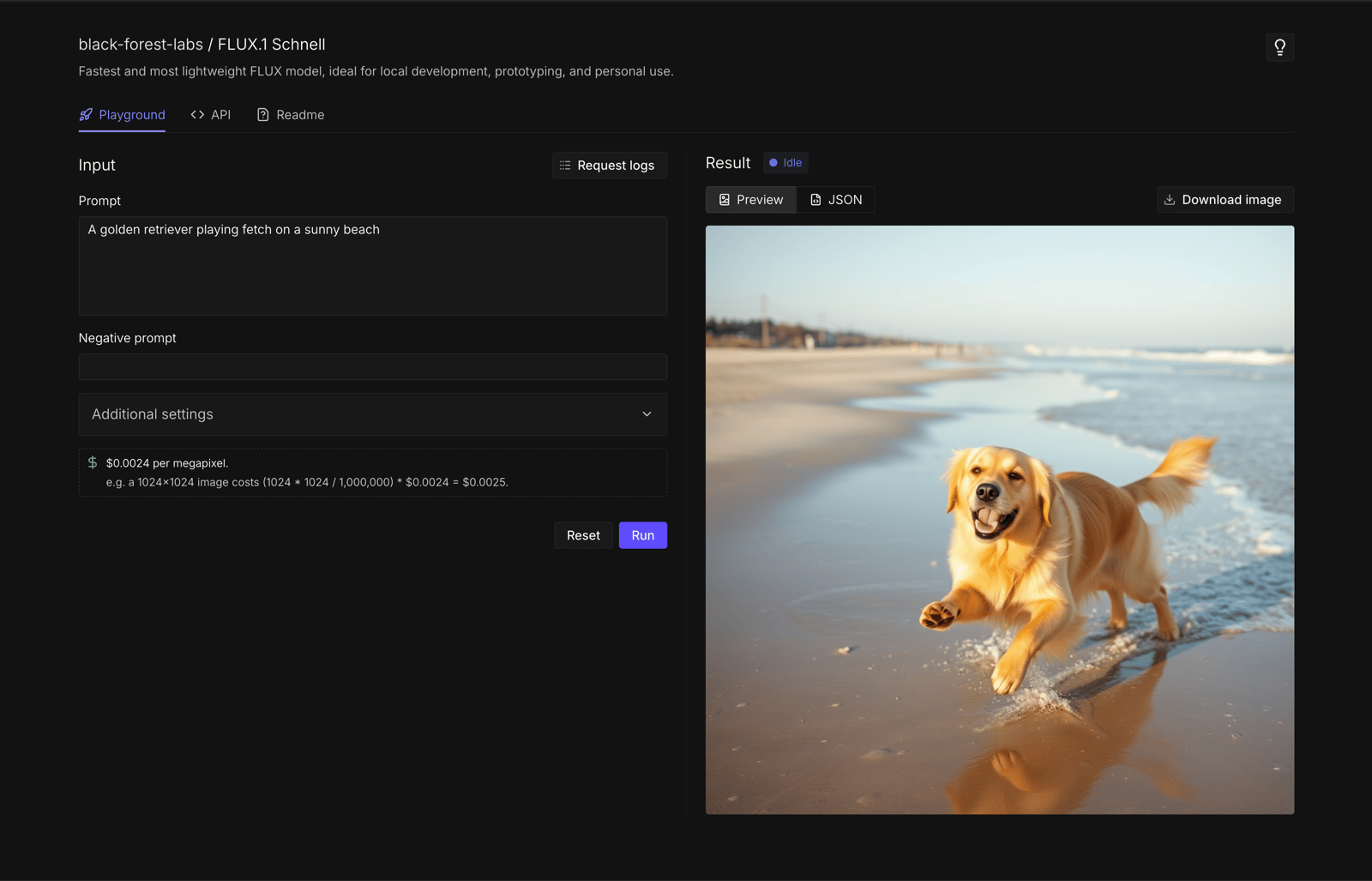
The fastest way to test Public Endpoints is through the browser-based playground.- Go to the Flux Schnell endpoint in the Runpod console.
- Under Input, enter a prompt:
A golden retriever playing fetch on a sunny beach(or any other prompt you like). - Click Run.
- Wait a few seconds for the image to generate. The result appears under Result.
Step 2: Generate an image with the API
Now let’s generate an image programmatically using the REST API.- cURL
- Python
- Open a terminal on your local machine.
- Copy the following command, replacing
YOUR_API_KEYwith your Runpod API key:
- Paste the command into your terminal and press Enter.
- Wait for the response (this takes about 10-20 seconds).
Response
Both methods return a JSON response with your generated image:image_url in your browser to view the generated image.
Next steps
- Make API requests: Learn about async requests, SDKs, and best practices.
- Model reference: Explore all available models and their parameters.
- Connect AI coding tools: Use Public Endpoints with Cursor, Cline, and OpenCode.
- Build a text-to-video pipeline: Chain multiple endpoints to generate videos from text prompts.